
 Listing checkedFreemiumFree Trial
Photoroom
AI photo editor and listing studio that removes backgrounds, stages products and batch-produces marketplace-ready images for e-commerce sellers.
- Ratings
- No member reviews yet
- Price
- Freemium
- Last updated
Key takeaways
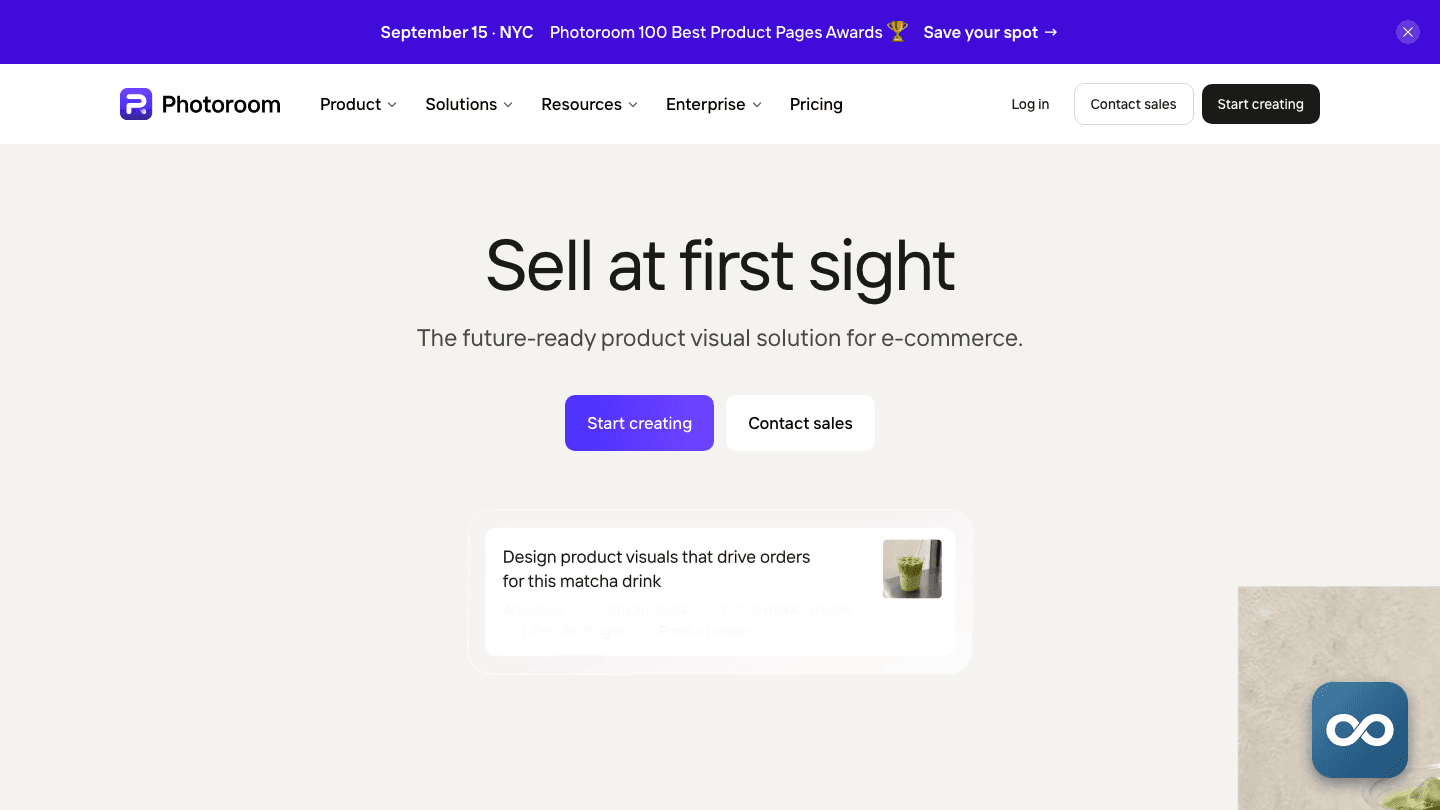
- Photoroom is a commerce photography studio built around AI cutouts: native iOS and Android apps, a browser app at app.photoroom.com and a separate API, used to turn product photos into marketplace-ready listings, staged scenes and marketing designs.
- It began in 2019 as a mobile background remover and now aims at e-commerce businesses and scaled catalog production rather than casual portrait editing, with batch tools, Shopify and marketplace exports, and Ultra tiers for high-volume workflows.
- Pricing runs on a shared pool of AI credits across Free, Pro, Max and Ultra plans as of August 2026. Displayed prices vary by country, platform and billing period, the free plan bars commercial use, and the February 2026 Terms rule out refunds on canceled subscriptions apart from stated exceptions.
- Third-party estimates put photoroom.com at about 19.2 million visits in June 2026, roughly level over the previous eight months. The company itself claims more than 150 million app downloads and over 7 billion images processed a year, figures no one has independently audited.
- Reception splits sharply by venue: a May 2026 summary reports about 4.3/5 across 18 G2 reviews, while Trustpilot summaries sit near 1.3/5, driven by unexpected charges and cancellation friction rather than output quality.

What is Photoroom?
Photoroom is an AI photo editor and listing studio from Photoroom, Inc., a Paris company founded in 2019 by Matthieu Rouif and Eliot Andres. It removes and replaces backgrounds, retouches images, generates product and lifestyle scenes, and batch-produces catalog imagery. You get native iOS and Android apps, a browser web app at app.photoroom.com, and a separate API for automated pipelines. The company reported a $43 million Series B in February 2024 at a reported $500 million valuation.
What makes it distinct is the commerce focus. The feature set is named for the selling workflow: Product Staging builds listing visuals, Virtual Model and AI Fashion Models put apparel on generated models, the App Store listing advertises ghost mannequins and flat lays, and exports are sized for Shopify, Amazon, Etsy, Depop, Poshmark, Vinted and Instagram. Photoroom increasingly positions the product as a commerce visual production system, not a cutout utility, and its current materials put e-commerce sellers and scaled catalog operations ahead of casual portrait editing.
Around the editor sits a freemium credit economy: every plan shares a Space-level pool of AI credits that advanced generation features draw from, renewed each billing cycle. The API is sold separately from the app subscriptions, with a Basic plan for background removal and a Plus plan that adds editing operations such as resizing, background replacement, lighting and shadows, per the API page published June 30, 2026.
How it works
Open a Space
Install the iOS or Android app or open app.photoroom.com in a browser. Everyone can start in a Free Space, though free accounts carry feature, export and AI-generation limits and can't be used commercially.
Import a photo
Upload or select a product, portrait or other image. Photoroom automatically cuts out the subject and places it in an editing workspace, the same first step whether you're fixing one listing photo or a batch.
Pick a workflow
Choose Background Remover, AI Backgrounds, Retouch, object removal, Product Staging, Virtual Model, templates, resize or Batch Mode. Advanced AI operations draw from the Space's shared credit pool, and different tools consume credits at different rates.
Export or automate
Adjust the composition, apply marketplace sizing or brand elements, then export a single image or a batch. Paid plans unlock higher resolution and larger batch limits. Businesses can route jobs through the API instead: Basic handles background removal, Plus covers broader editing operations.
Features
Background Remover
Automatically isolates the foreground subject and strips the original background. This was the product's original job and still anchors everything else: reviewers consistently describe the cutout quality as the thing Photoroom does well.
AI Backgrounds
Generates a new scene behind the cutout from a text description, which turns a plain product shot into lifestyle or campaign imagery without a photo shoot. Generations draw from the Space's AI credit pool.
Product Staging
Builds product-focused compositions and listing visuals for sellers and resellers. The tool arranges the cutout into scenes suited to marketplace pages instead of leaving composition to you.
Virtual Model
Places apparel or products into model-oriented imagery. The App Store listing also advertises AI fashion models, ghost mannequins and flat lays, the standard formats for clothing listings.
Batch Mode
Applies the same edits and exports across many images at once, the feature that turns a one-off editor into a catalog pipeline. Paid plans provide larger batch limits.
Retouch and object removal
Removes unwanted people or objects from an image and can replace foreground elements with a generated background. That covers cleanup work that would otherwise need a desktop editor.
Smart Resize and marketplace export
Resizes designs and outputs formats for Shopify, Amazon, Etsy, Depop, Poshmark, Vinted, Instagram and other destinations. The App Store listing advertises the Shopify connectivity.
What people use it for
- Creating clean product listings for Shopify, Amazon, Etsy and resale marketplaces
- Producing lifestyle, flat-lay, on-model and ghost-mannequin images from a single product photo
- Designing social media posts and marketing creatives
- Removing unwanted objects or people from images
- Batch-processing a catalog with consistent backgrounds and sizing
- Generating campaign scenes and extending backgrounds with AI
- Automating cutout and image-editing post-production through the API
Photoroom is not a replacement for advanced, layer-based professional photo manipulation or RAW-focused desktop editing. It's built for fast commerce production, not those workflows.
Who it’s for
Pricing
Official pricingIndividual plans
Free
$0
forever
Permanent Free Space with limited tools, capped monthly exports and a low AI-credit allowance; personal use only
Pro
Varies
per month, billed monthly or yearly
8,000 AI credits and 1,000 exports per month billed yearly, advanced AI tools, batch and high-resolution exports
Max
Varies
per month, billed monthly or yearly
25,000 AI credits and 3,000 exports per month billed yearly, unlimited core tools, more advanced AI models, priority support
Ultra
Varies
per month, billed monthly or yearly
75,000 AI credits and 10,000 exports with x1 to x10 capacity variants, larger batch limits and advanced AI workflows
As of August 2026 Photoroom sells Free, Pro, Max and Ultra plans, and the displayed price depends on your country, platform and billing period, so the pricing page is the only reliable price list. Everything advanced is metered in AI credits shared by everyone in a Space and renewed each billing cycle: the pricing page shows 8,000 credits and 1,000 exports per month on Pro billed yearly, 25,000 and 3,000 on Max, and 75,000 and 10,000 on Ultra, which also comes in x1, x2, x5 and x10 capacity variants. Photoroom has not published one universal cost per generation, and rollover and top-up rules are not documented. The free plan is permanent but bars commercial use. A trial can be canceled at any time and stays usable until it ends, but you must cancel on the platform you bought through, before renewal, because Photoroom says it cannot cancel on your behalf and canceling on the wrong platform doesn't stop billing. The February 2026 Terms state that canceled subscriptions get no refund, credit or prorated billing apart from expressly stated exceptions; the one documented carve-out is an AI-credit refund for technically failed or reported bad generations, introduced in a July 8, 2026 help article, which excludes some AI tools and imposes a reporting time limit. This structure replaced an earlier Free, Pro and Teams lineup, and no current team or enterprise price card has been published.
Traffic & reach
Third-party estimates put photoroom.com at about 19.2 million visits in June 2026, down 1.6 percent on the prior month and roughly level with the previous November; the figure comes from a traffic estimator and has not been validated by a named analytics provider, so treat it as a proxy for adoption rather than an audited count. Traffic splits nearly evenly between discovery and habit: about 44 percent of visits arrive from organic search and 40 percent direct, with an estimated 10.8 million brand searches a month. India is the largest single country at about 14 percent of visits, with the United States at about 6 percent. These web figures also understate the product, since much of Photoroom's use happens in its mobile apps.
Visits, June 2026
19.2M
▼ 1.6% month over month
Nov '25Jun '26
Top countries
- India14%
- Russia7.5%
- Brazil7.2%
- United States6.4%
- Indonesia5.9%
Traffic sources
- Organic search44%
- Direct40%
- Organic social7.2%
- Referrals3.3%
- Paid search1.5%
- AI assistants1.3%
- Visits, last 3 months
- 58.5M
- Avg. visit
- 3m 29s
- Pages per visit
- 3.2
- Bounce rate
- 57.3%
- Brand searches / mo
- 10.8M
User reviews
Write a reviewNo reviews yet
Used Photoroom on something real? Write down what you made, what it cost and what the trade-off was. The next person can decide in about a minute from that.
Be the first to reviewWhat to know before you commit
What people rate it for. Independent review coverage says Photoroom performs its central job well: isolating products and placing them into clean scenes, with mobile and web UX and batch processing that save online sellers real time (RecaTools, May 2026). The App Store listing piles on AI models, product videos, batch editing and Shopify connectivity, which makes it more useful than a single-purpose remover.
The billing complaints are a pattern, not noise. Trustpilot's February 2026 summary describes unexpected charges, difficulty canceling, paywalls and features allegedly moved out of existing plans, alongside reports of crashes and upload and export failures. RecaTools and Litmus report bot-gated or slow support and disputes around trial renewals and refunds. The negative evidence concentrates on payment and cancellation. Not on cutout quality.
The ratings conflict is the story. A third-party summary reports about 4.3/5 across 18 G2 reviews while Trustpilot summaries sit near 1.3/5. The gap suggests product satisfaction and billing satisfaction get measured separately. Editorial coverage lands consistently on effective software with subscription mechanics worth scrutinizing. Recheck live scores before relying on either number.
Your images train the AI by default. Photoroom's Help Center says app designs and uploads are used by default to improve its models, with a per-account opt-out toggle. API images are the exception: they are not stored or used for training unless you explicitly request it. Sellers handling client work should opt out where appropriate and clear rights before commercial campaigns.
The growth numbers are the company's own. The current homepage claims over 7 billion images a year, more than 1 million businesses and 300 million people across 180 plus countries, and the Help Center cites a 4.7-star rating from 1 million reviews. Tech.eu independently reported more than 200 million downloads by April 2025, named the US as the largest market, and mentioned DoorDash and Depop among customer relationships, but the headline figures remain company-reported and unaudited. One allegation to watch: RecaTools and Litmus claim existing paid customers lost features mid-contract in November 2025, which no primary source has corroborated.
Alternatives to Photoroom
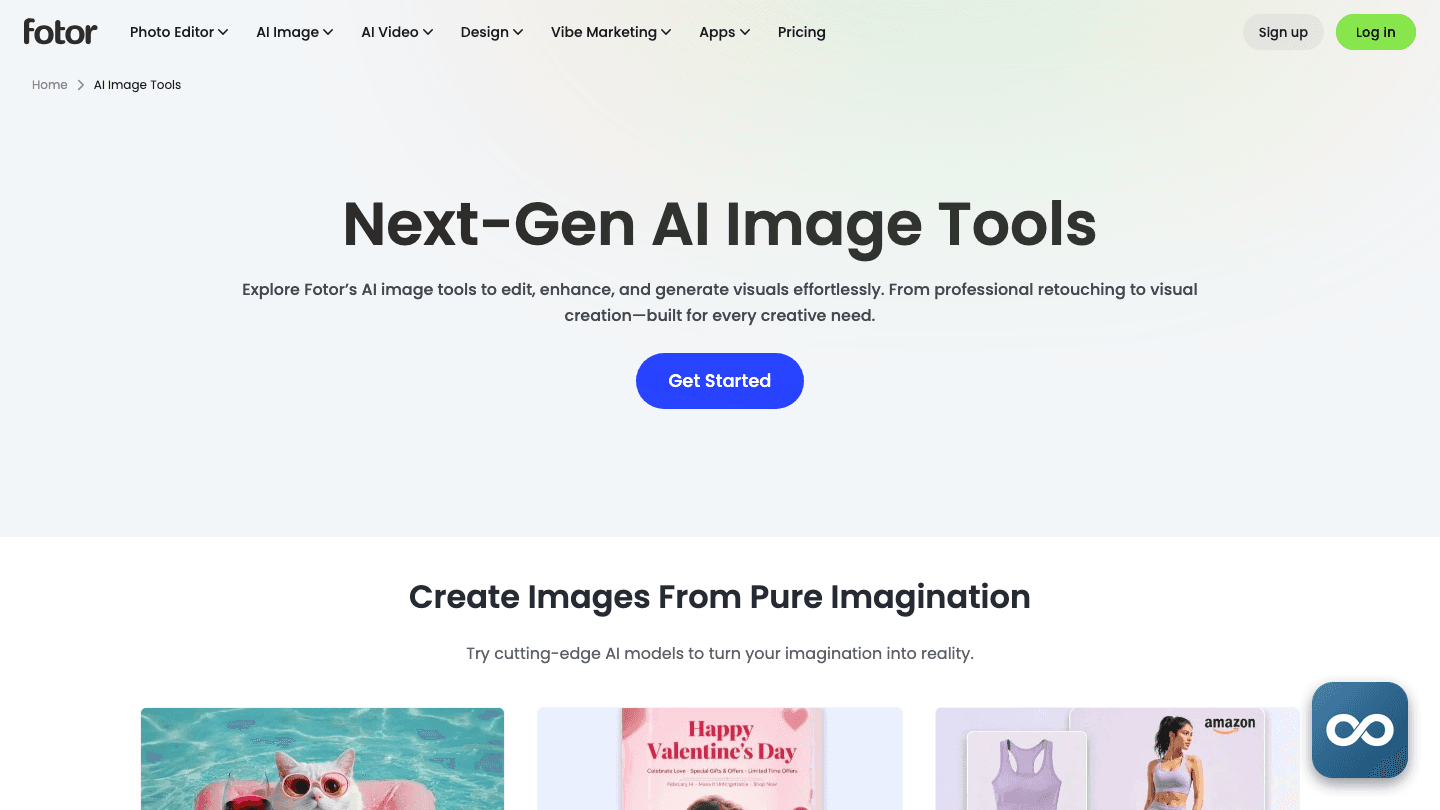
 FotorFree-to-start online photo editor with background removal, enhancement and text-to-image generation on third-party models, plus iOS, Android, Mac and Windows apps.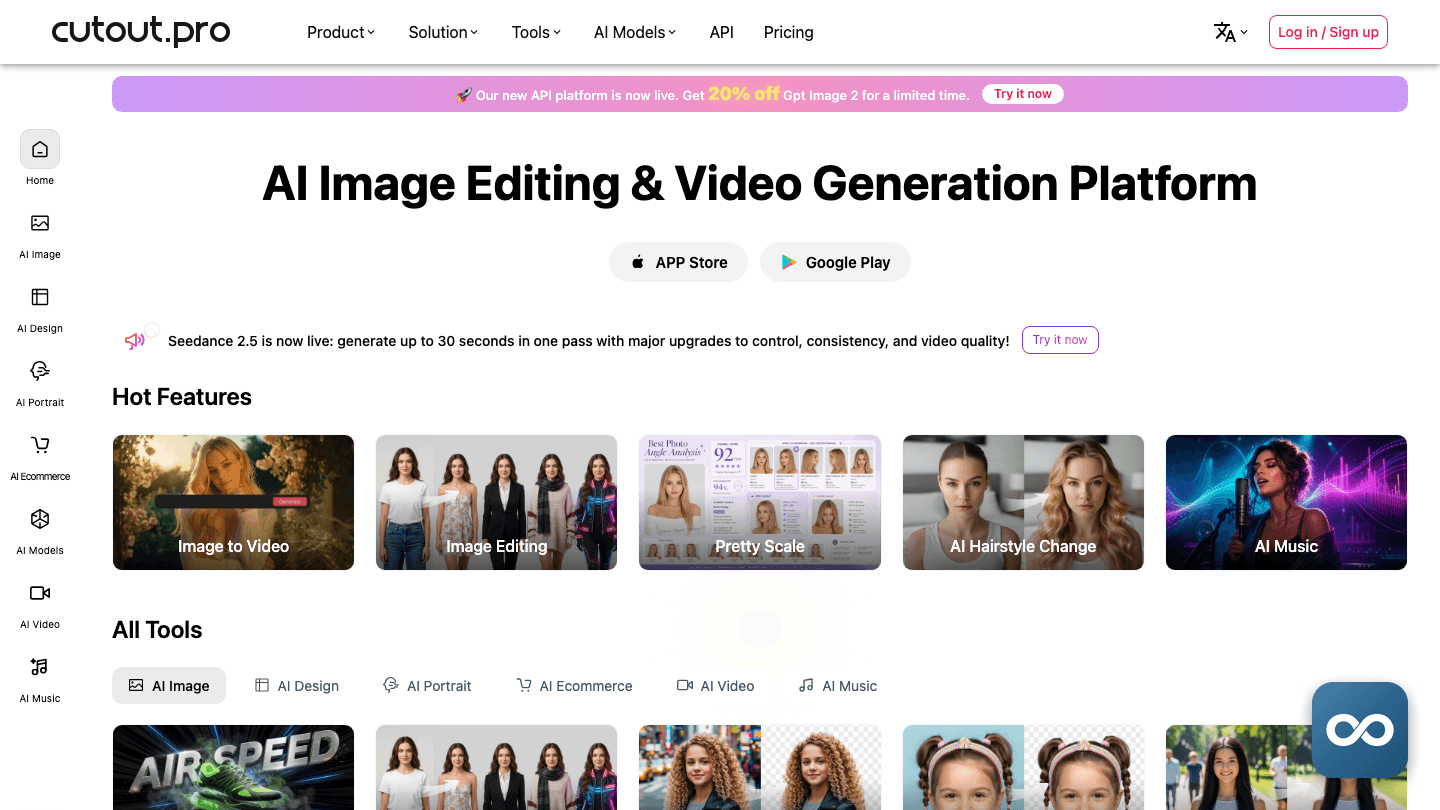
 Cutout.ProCredit-metered background removal, photo restoration, AI art and video background removal in one cloud account, with an API and a Shopify plugin.
 PixlrA browser photo editor and design suite with free ad-supported use, Pixlr X for quick work, Pixlr E for layers, and AI generation metered in monthly credits.
 PicsartPhoto, video and design editor with an AI Playground that runs 140+ image, video and audio models on credits.
 CapCutByteDance's video editor for web, mobile and desktop: free multi-track editing, auto captions and AI tools built for short-form social content.
 VEEDA browser-based video editor and AI creation platform for captioned, translated and branded social video, with a permanent free plan and per-seat paid tiers.
Frequently asked questions
Company & links
- Company
- Photoroom, Inc.
- Founded
- 2019
- Founders
- Matthieu Rouif, Eliot Andres
- Leadership
- Matthieu "Matt" Rouif is co-founder and CEO. He studied at École Polytechnique and Stanford, built ski-resort apps, co-founded HeyCrowd, led product at Replay, and led image-editing products at GoPro after it acquired Replay. Eliot Andres is the other named founder; less biographical detail is published about him.
- Funding
- A $43 million Series B closed in February 2024, led by Balderton Capital with Aglaé and Y Combinator participating, at a reported $500 million valuation and $64 million in total funding. Backers named across sources also include FJ Labs, Meta, Yann LeCun and executives associated with Hugging Face and Disney+, though not every named party is confirmed to the same round, and no complete round-by-round history is published.
- Scale
- Photoroom reported more than 50 employees in February 2024, while a later company record puts headcount near 160 on unclear methodology. An $11 million annual-revenue figure appears in a company record but is self-reported and unverified. Headquarters are in Paris, with a New York office reported in 2025.
Try Photoroom on work you already know
A task you’ve done before is the fastest way to judge whether Photoroom fits your workflow and budget. Check the current plan terms on the official site before you subscribe.