
 Listing checkedFreemiumPaidContact sales
VEED
A browser-based video editor and AI creation platform for captioned, translated and branded social video, with a permanent free plan and per-seat paid tiers.
- Ratings
- No member reviews yet
- Price
- From $12/mo
- Last updated
Key takeaways
- VEED is a browser-based video editor that has grown into an AI video creation platform, run by VEED Limited in London. Founded in March 2018 by Sabba Keynejad and Tim Mamedov, it was bootstrapped until a $35 million round from Sequoia Capital in February 2022, and the company says millions of marketers, founders and creators use it.
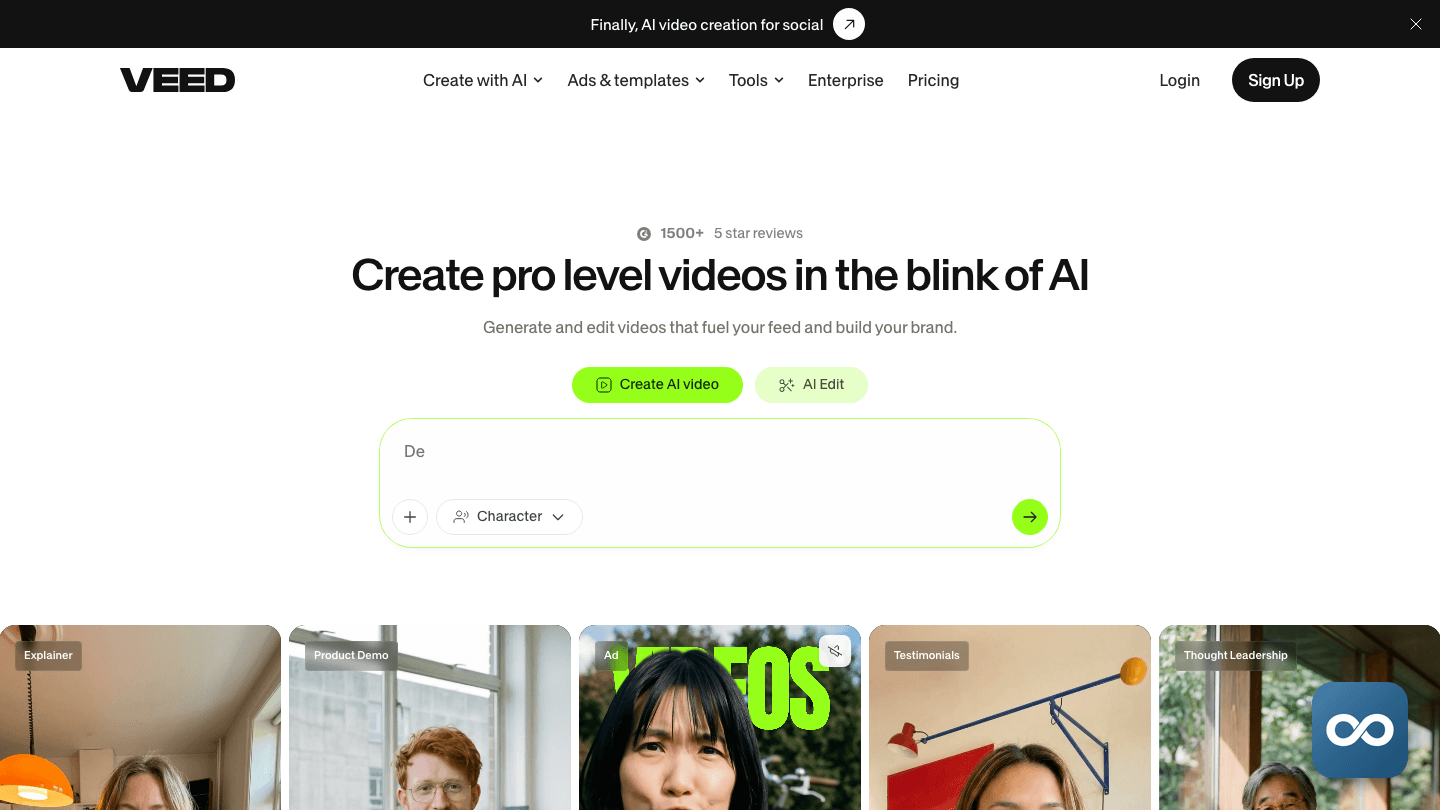
- The audience is shifting from people who need a timeline to people who need a finished social post. On 25 August 2026 CEO Sabba Keynejad announced "the new VEED" on LinkedIn. That announcement moved the product's pitch from conventional online editor to AI-first, idea-to-video platform for branded social content.
- The free plan is permanent but watermarked. July and August 2026 pricing captures show the paid tiers renamed Creator, Pro and Studio, at $147, $288 and $465 a year, or roughly $12, $24 and $39 a month billed annually. Captures put monthly billing at about $20, $42 and $70, and every paid plan is billed per editor seat with AI credits metered per generation.
- Third-party estimates put veed.io somewhere between 8.6 million and 9.8 million visits a month in mid-2026, with the series falling from a January 2026 peak near 13.3 million. India and the United States are the largest sources, and about half of visits arrive through organic search.
- The biggest caveat is billing. Subscriptions renew automatically, cancellation runs through a questionnaire and must land at least two business days before renewal, and refunds apply only to unused service within 14 days. A consumer-law firm said in July 2026 it was investigating renewal complaints, and Trustpilot carries one-star reports of watermarks on paid exports and multi-day support delays.

What is VEED?
VEED is an online video creation and editing platform that runs in the browser, with iOS features, Android checkout and a Chrome screen-recording extension around it. Its homepage as of August 2026 describes it as an AI video creation platform with an idea-to-video workflow, and its About page pitches AI video creation for everyone. You upload or record footage, cut it on a timeline, generate clips and images with AI, apply brand assets, caption or translate the result and export it for social platforms. It isn't open source. No native desktop application, CLI or MCP support has been confirmed.
What makes it distinct is breadth in one tab. Recording, editing, captioning, dubbing, avatar generation, brand kits and stock media all sit in the same product, which is why small marketing and communications teams pick it over a desktop suite they would have to learn. Captions are the standout workflow: speech recognition produces editable subtitles, VEED itself claims 98.5% accuracy, and paid users can download SRT, VTT or TXT files. There is no single proprietary engine underneath. The AI side runs on a mix of third-party and platform-integrated models, and the AI Playground shows the credit cost of each generation before you run it.
Around the editor sits a UK private company that was bootstrapped for its first four years and has raised $35 million in total. Since 2026 the direction has moved from general browser editing toward generating an idea and branding it for social publishing, a change Keynejad made public on 25 August 2026. That shift reaches pricing too. The paid tiers are now organised around annual AI credit allowances as much as around export resolution and editor seats.
How it works
Start a project
Open VEED in a browser and sign in when saving or exporting requires it. Choose a blank project, a use-case template, uploaded media, a screen or webcam recording or an AI generation as the starting point.
Create or import
Upload video, images and audio, record your camera, screen, slides or a combination directly in the browser, or enter a prompt or script for AI video. The Chrome extension handles screen recording and opens the result in the editor.
Edit on the timeline
Trim and rearrange clips with the drag-and-drop editor, then add text, images, music, effects, animations, captions and brand assets. Auto Edits can do the first pass for you by removing pauses, cleaning audio, adding subtitles and inserting B-roll.
Automate, then export
Run subtitles, transcription, audio cleanup, dubbing and translation, text-to-speech, avatars or image and video generation, with the AI Playground showing the credit cost before each generation. Export for a social platform or download and share. Watermark-free exports, subtitle-file downloads and higher resolutions need a paid plan.
Features
AI Video Editor and Auto Edits
Auto Edits analyses raw footage, removes pauses, cleans the audio, adds subtitles and can insert B-roll. For talking-head and screen-recorded material it replaces most of the manual timeline pass. You fix what the automated cut got wrong.
AI Playground
Model-based generation lives in the Playground, which prices each generation by the model you select and shows the credit cost before you run it. The documentation names Fabric 1.0 as a model with clips up to 30 seconds, but it does not publish a complete roster or identify every underlying provider. Free-plan access is limited in some regions, and free generations can be capped at 12 seconds. The AI Image Generator sits alongside it, with the help center reporting up to 100 images a month on Free where available and up to 300 on Creator.
Automatic Subtitles
Speech recognition generates editable captions that you can style, correct and translate on the timeline. VEED claims 98.5% accuracy. That is the vendor's figure, not a third-party benchmark. Downloading SRT, VTT or TXT files is a paid feature.
Video Translator
Translates and dubs a video into other languages, with allowances that depend on the plan and credit costs that depend on the model. Pro is positioned around 50-plus languages and up to 144 AI-voice hours a year, and Studio raises that to 960 hours with higher translation allowances.
AI Avatars and AI Actors
Creates presenter-style videos from a script. Creating an actor is a premium feature that spends AI credits, and higher tiers allow multiple actors. Custom AI avatars are listed among the Enterprise inclusions.
Screen and Webcam Recorder
Records screen only, camera only, camera plus screen, audio or slides with configurable layouts, then opens the recording in the editor. This is the route for software walkthroughs, sales demos and asynchronous updates that never leave the browser.
Templates and Brand Kit
Projects can start from use-case templates and pick up logos, colours, fonts and other brand assets from a kit. Pro adds multiple brand kits, Studio adds custom templates, and each paid tier gets more of the stock music and footage library than the one below it.
What people use it for
- Social ads, promos, memes and short-form brand content cut and captioned in one place.
- Training, onboarding and e-learning videos built from screen recordings and templates.
- Sales demos, personalised outreach and product explainers recorded in the browser.
- Screen-recorded tutorials, presentations and software walkthroughs.
- Captioning, transcription, subtitle-file export and multilingual dubbing for accessibility and reach.
- Internal communication, meeting updates and asynchronous video messages.
- Intro and outro sequences and branded template-based content.
VEED is not a substitute for a professional desktop editor when the job needs deep colour, audio, compositing or frame-level control; its own proposition is speed and accessibility in the browser.
Who it’s for
Pricing
Official pricingIndividual plans
Free
$0
per month
Watermarked exports; third-party captures report about 720p, 10-minute exports, 2GB storage and two subtitle minutes a month; AI credits region-dependent, free Playground clips up to 12 seconds
Creator
$12
per month
Billed $147 a year per editor; 6,000 AI credits a year, watermark-free 1080p export, unlimited auto-subtitles, full stock library, up to three editors; about $20 on monthly billing per a July 2026 capture
Pro
$24
per month
Billed $288 a year per editor; 30,000 AI credits a year, 4K export, multiple brand kits, 50+ language translation, up to 144 AI-voice hours a year, up to three editors; about $42 monthly
Studio
$39
per month
Billed $465 a year per editor; 180,000 AI credits a year, custom templates, project analytics, access to all AI models, up to 960 AI-voice hours a year; about $70 monthly
Business plans
Enterprise
Custom
contact sales
Centrally managed teams and data, custom templates and AI avatars, custom usage limits, multiple brand kits, review mode, SSO and advanced security, priority support, dedicated customer success, video analytics
The written terms carry more weight than the tier names, which changed recently. Pricing captures from July and August 2026 show Free, Creator, Pro and Studio plus a custom Enterprise tier, replacing an older lineup that had a Lite plan, and VEED made no announcement of the change that we could find. Every paid plan is billed per seat: adding a collaborator raises the bill and removing one lowers it, and upgrading starts a new billing cycle with unused time on the old plan prorated and deducted. AI credits are charged per generation at a rate set by the model, with the cost shown before you run it; unused monthly credits expire at month end and annual credits reset annually, and failed generations cost nothing. No general credit top-up price is published. Subscriptions renew automatically. To stop that, you turn off auto-renewal in Workspace Billing, complete a cancellation questionnaire and watch for a confirmation email, at least two business days before the renewal date. Cancelling prevents future charges but doesn't refund the current period. The Terms of Sale allow a full refund only for a consumer who has never used the service and cancels within 14 days. Monthly prices reported by independent captures, about $20, $42 and $70 for Creator, Pro and Studio, sit well above the annual equivalents of roughly $12, $24 and $39, so check the exact monthly checkout price on the live page. A separate Subtitles API is billed through fal.ai from $0.10 a minute for basic styles up to 1080p and $0.20 a minute for dynamic styles, with a one-minute minimum per job.
User reviews
Write a reviewNo reviews yet
Used VEED on something real? Write down what you made, what it cost and what the trade-off was. The next person can decide in about a minute from that.
Be the first to reviewWhat to know before you commit
What people rate it for. Ease and accessibility come up first: the browser workflow, templates and drag-and-drop editing let non-technical people produce video without a download or a production background, which is how TechCrunch described it in February 2022. The captioning workflow is the second recurring strength, with editing, styling, translation and SRT, VTT and TXT export in one pass. Breadth is the third, because recording, editing, captioning, translating, generating, branding and sharing all happen in a single product.
The billing complaints are a pattern worth reading before you pay. Trustpilot pages carry one-star complaints about unexpected charges and difficulty cancelling, and on 14 July 2026 a consumer-law firm said it was investigating reports of unexpected renewals, cancellation difficulty and refund disputes. That is an investigation into allegations, not a court ruling or regulator finding. VEED's own Terms of Sale confirm the mechanics behind the complaints: subscriptions renew unless cancelled at least two business days before renewal, cancellation requires a questionnaire, and refunds are limited to unused service within 14 days.
Output and support complaints are anecdotal but specific. A Trustpilot review dated 23 April 2025 reported low-bitrate renders that looked worse than 720p despite a 1080p setting, watermarks appearing on exports from a paid account, repeated video-generation errors and two to three days for a generic support reply. The same reviewer called the service overpriced for the quality and described a retention discount offered after cancelling. This is one account. It doesn't show that every user hits the same problems.
There is no reliable aggregate rating. Trustpilot's Ireland listing showed 2,487 reviews in April 2025 but no dependable current overall score was retrievable, and no G2, Capterra, Product Hunt, App Store or Google Play aggregate was found. A complaint tracker documented only two complaint sources in May 2026, so it should not be read as a satisfaction survey either. The reception picture is thin, and nothing here settles it.
Credits, data and licensing terms need checking for your use. AI credit allowances are model-dependent, so 6,000 credits a year is not a fixed number of finished videos, and credits expire under the rules above. No definitive current statement about whether customer content is used to train models was found, so read the privacy policy and AI terms before uploading confidential or regulated footage. Plan-level commercial permission doesn't settle every stock-media or avatar rights question, and a security-profile aggregator lists PCI, HIPAA, SOC 2, GDPR and ISO 27001 claims whose underlying certificates and scope were not retrieved.
The scale figures are the company's own or database estimates. VEED says millions of marketers, founders and creators use the platform, with no exact count or methodology. The About page says the team is over 150 while LinkedIn showed 137 people in August 2026, and a third-party database lists annual revenue of $7 million that VEED has not reported or had audited. No data breach, lawsuit judgment, regulatory action or official outage post was found.
Alternatives to VEED
 WondershareA catalogue of separately priced desktop, web and mobile apps for video editing, PDFs, diagrams, data recovery and phone transfer, led by Filmora.
 CapCutByteDance's video editor for web, mobile and desktop: free multi-track editing, auto captions and AI tools built for short-form social content.
 FotorFree-to-start online photo editor with background removal, enhancement and text-to-image generation on third-party models, plus iOS, Android, Mac and Windows apps.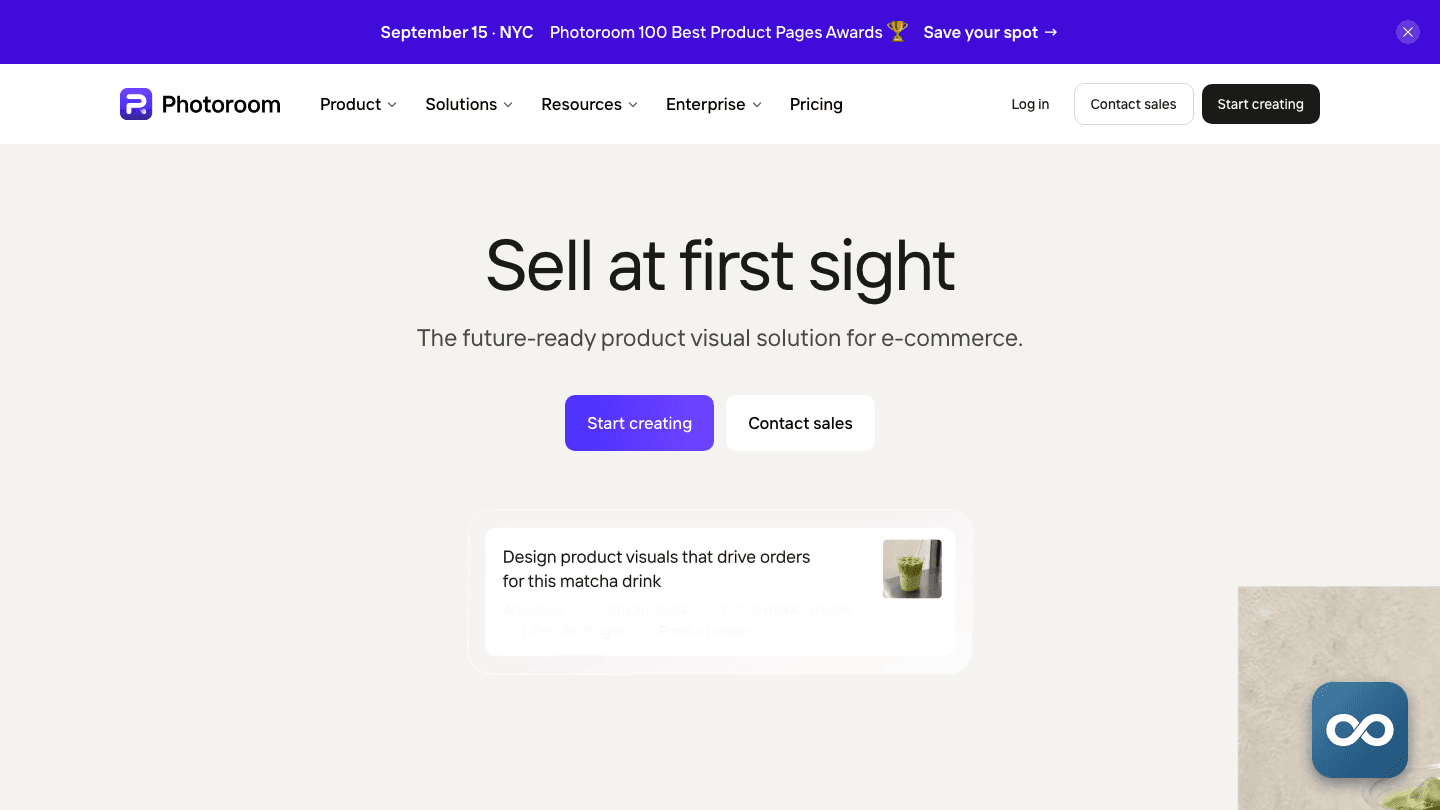
 PhotoroomAI photo editor and listing studio that removes backgrounds, stages products and batch-produces marketplace-ready images for e-commerce sellers.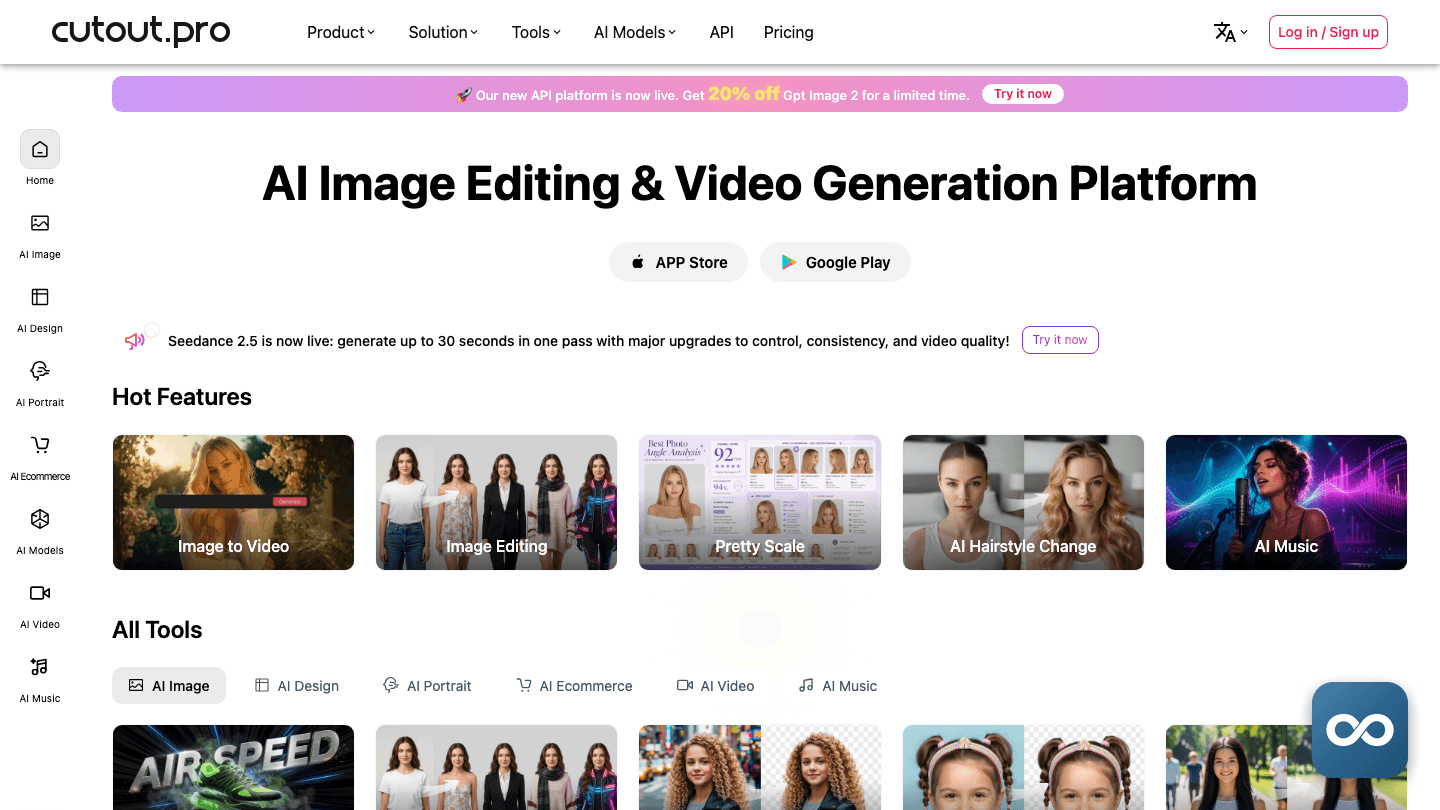
 Cutout.ProCredit-metered background removal, photo restoration, AI art and video background removal in one cloud account, with an API and a Shopify plugin.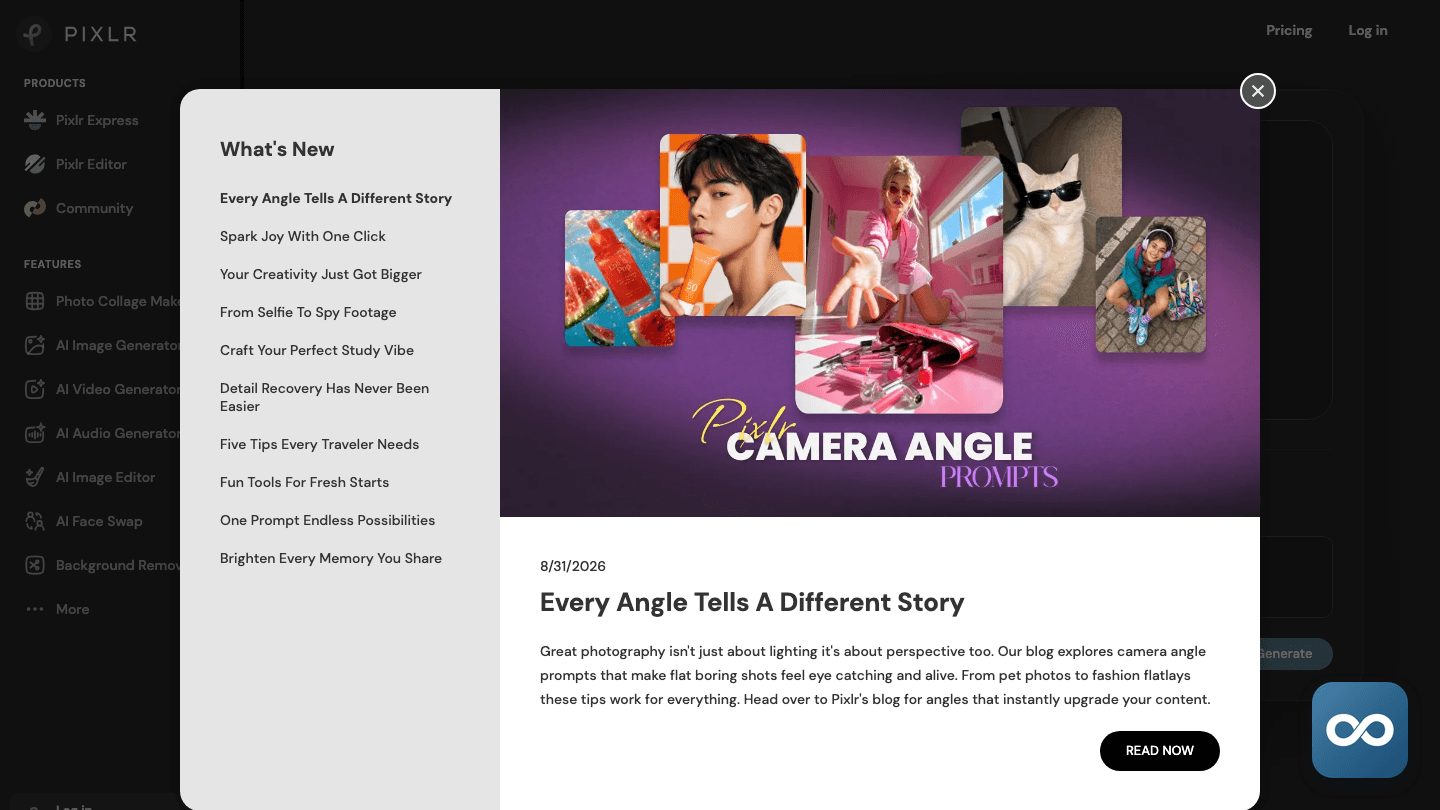
 PixlrA browser photo editor and design suite with free ad-supported use, Pixlr X for quick work, Pixlr E for layers, and AI generation metered in monthly credits.
Frequently asked questions
Company & links
- Company
- VEED.IO
- Founded
- 2018
- Founders
- Sabba Keynejad, Tim Mamedov
- Leadership
- Sabba Keynejad is CEO and co-founder, the design and product-direction half of the founding pair, with an earlier background in interaction design and creative technology at FITCH and The Partners. Tim Mamedov is CTO and co-founder, the engineering half; no detailed prior-company biography for Mamedov was available.
- Funding
- VEED was bootstrapped from its March 2018 founding until 2022, when it announced a $35 million round from Sequoia Capital on 2 February 2022 to fund expansion; no valuation was reported. Total publicly identified funding is $35 million, we found no acquisitions made or received, and the company remains an independent UK private company, VEED Limited.
- Scale
- VEED's About page says the team is over 150, while LinkedIn showed 137 people in August 2026; the gap is unreconciled. A third-party database lists annual revenue of $7 million; that is the database's estimate, and VEED has neither reported nor audited the figure. The claim that millions of marketers, founders and creators use the platform is VEED's own, with no methodology given.
- Contact
- hello@veed.io
Try VEED on work you already know
A task you’ve done before is the fastest way to judge whether VEED fits your workflow and budget. Check the current plan terms on the official site before you subscribe.